

Beacon & JoySticks
Beacon & JoySticks
Couldn't load pickup availability
Share
Beacon & JoyStick
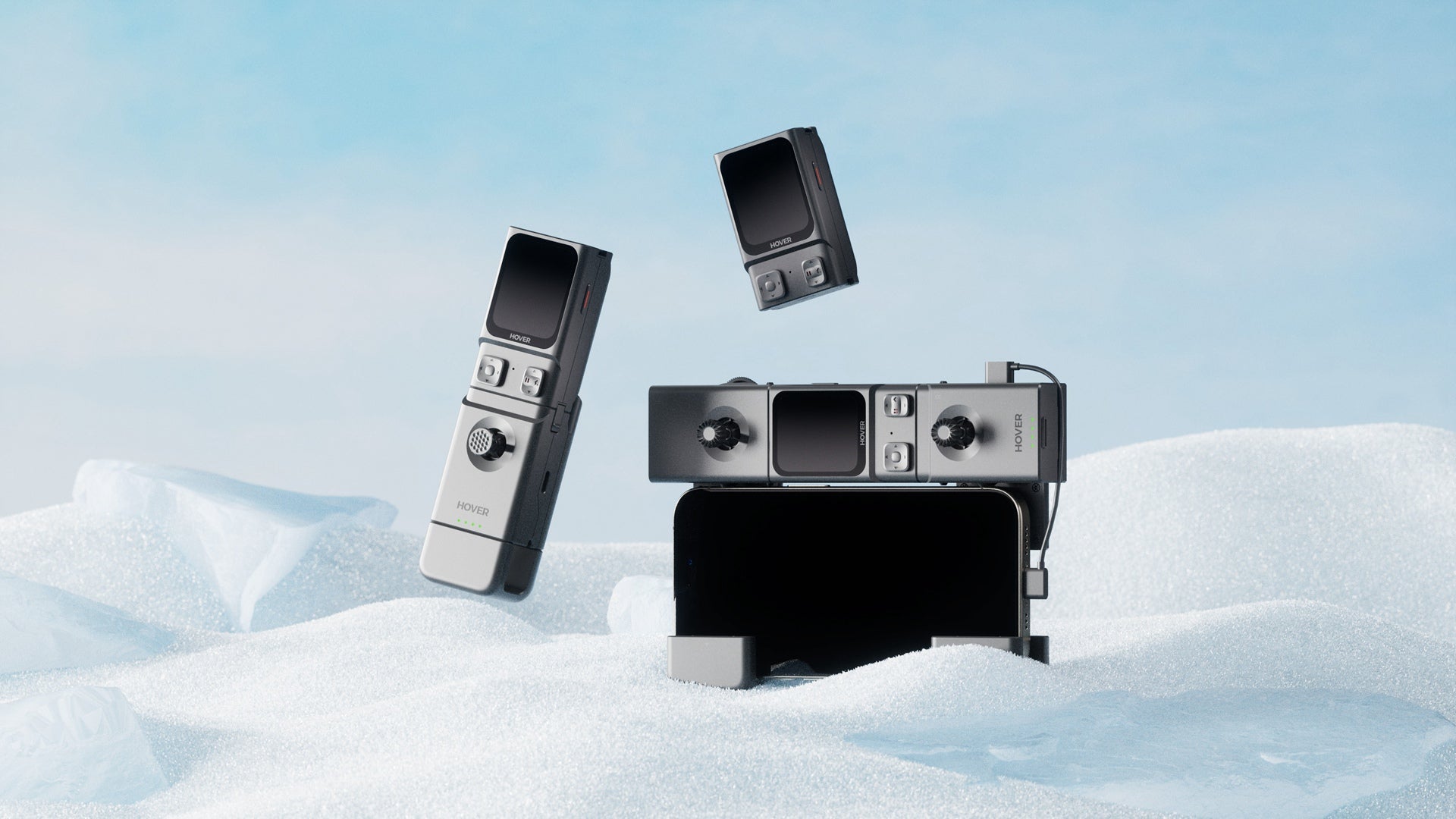
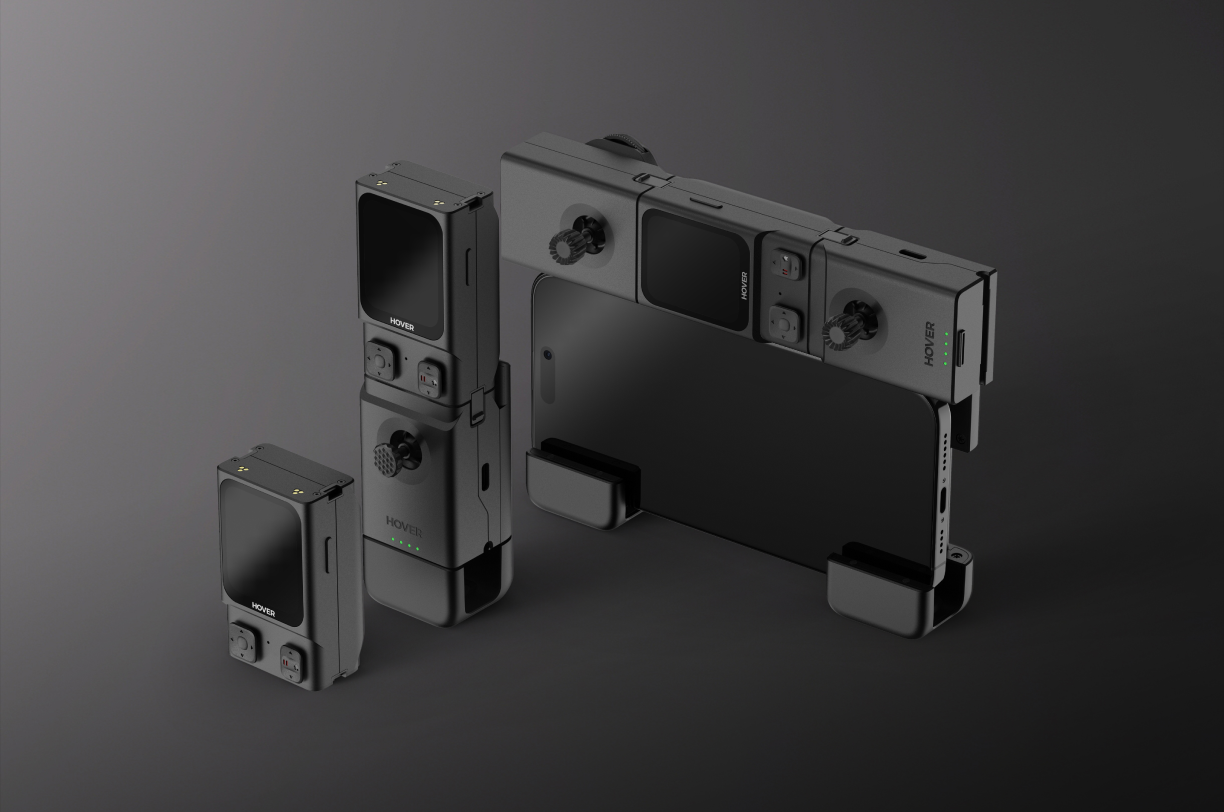
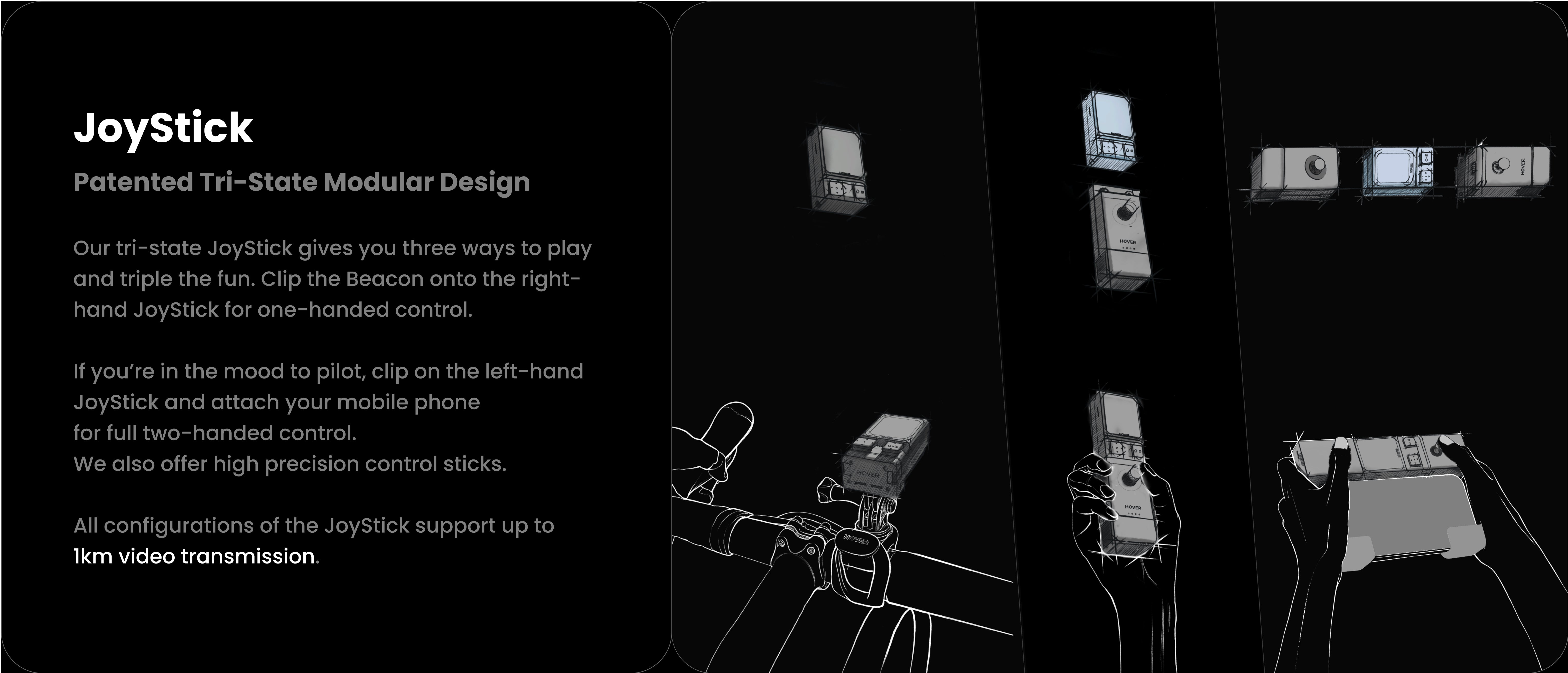
The Beacon and JoyStick are HOVERAir's all-new remote control solution for the X1 family*, offering seamless monitoring, precise control, and ultimate portability. Our tri-state JoyStick gives you three ways to play and triple the fun, significantly expanding the possibilities of your X1 flying camera experience.
Remote control reimagined.
Lightweight, Powerful, and Innovative – HOVERAir redefines control, making It more fun than ever.
EASY CONTROL. SIMPLE. FUN LIKE A GAME.
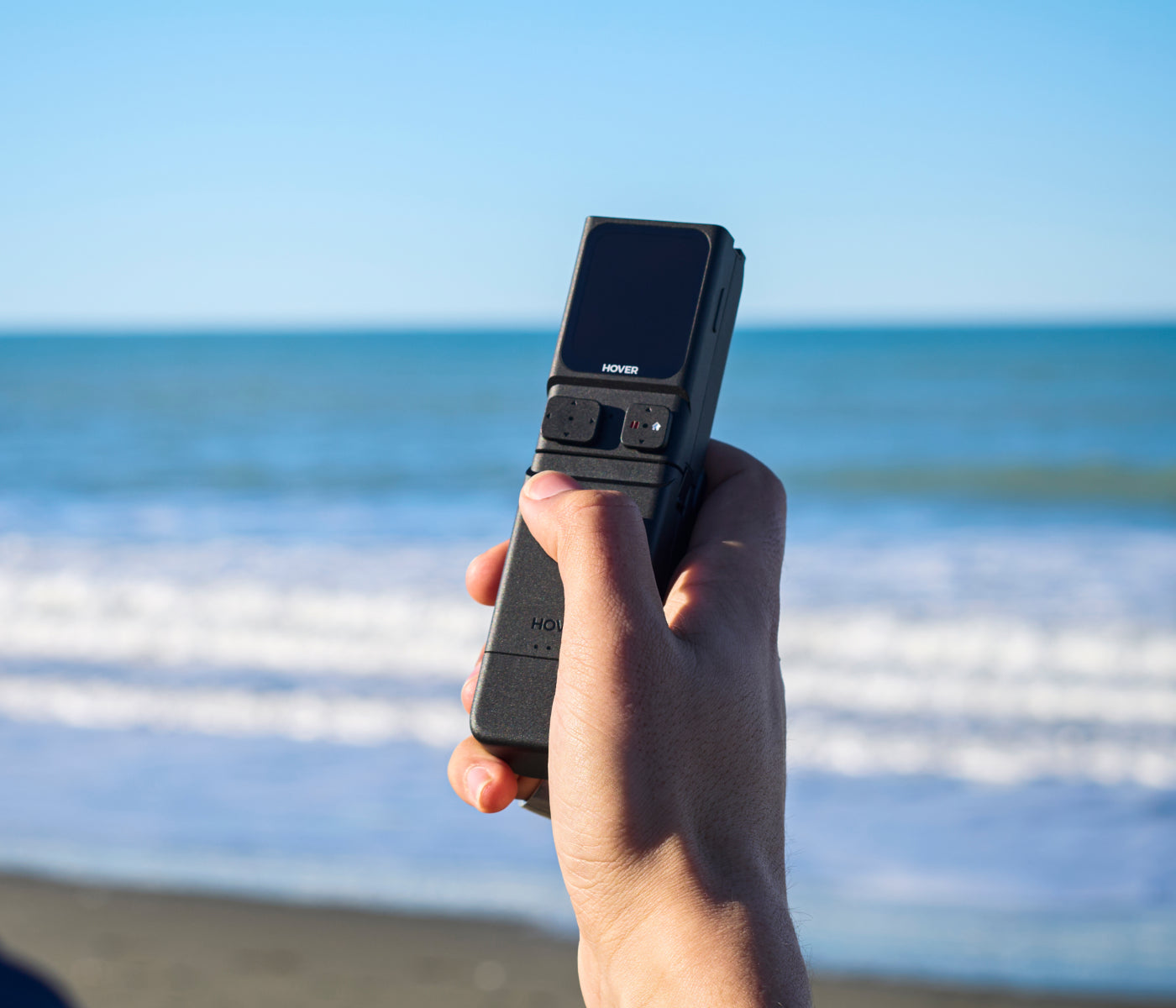
One-Handed Motion Controller
The one-handed motion controller offers intuitive control and haptic feedback.
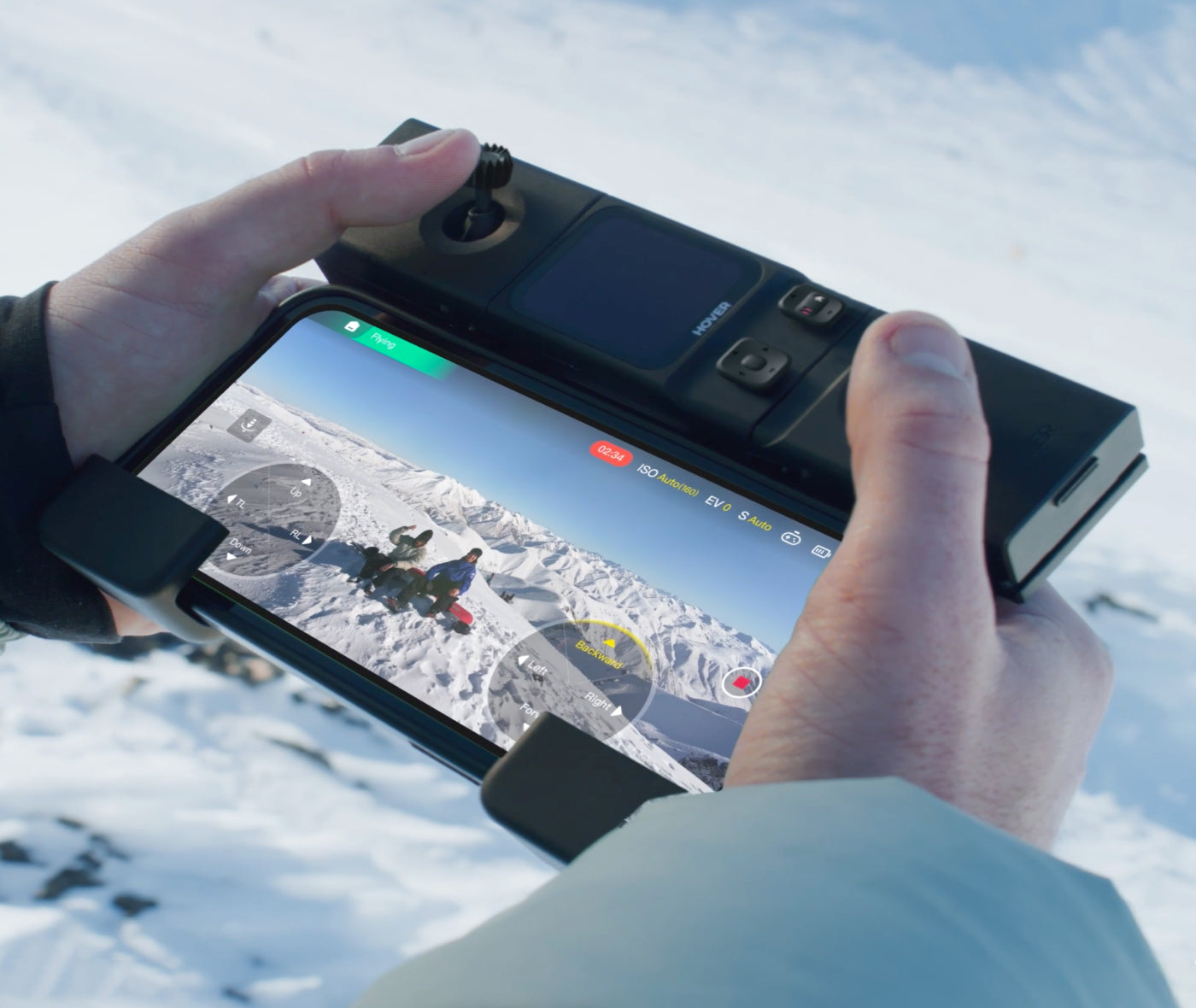
PRECISION CONTROL AT YOUR FINGERTIPS
Two-Handed Full-Featured Controller
If you're in the mood to pilot, clip on the left-hand JoyStick and attach your mobile phone for full two-handed control. We also offer high precision control sticks.
Beacon
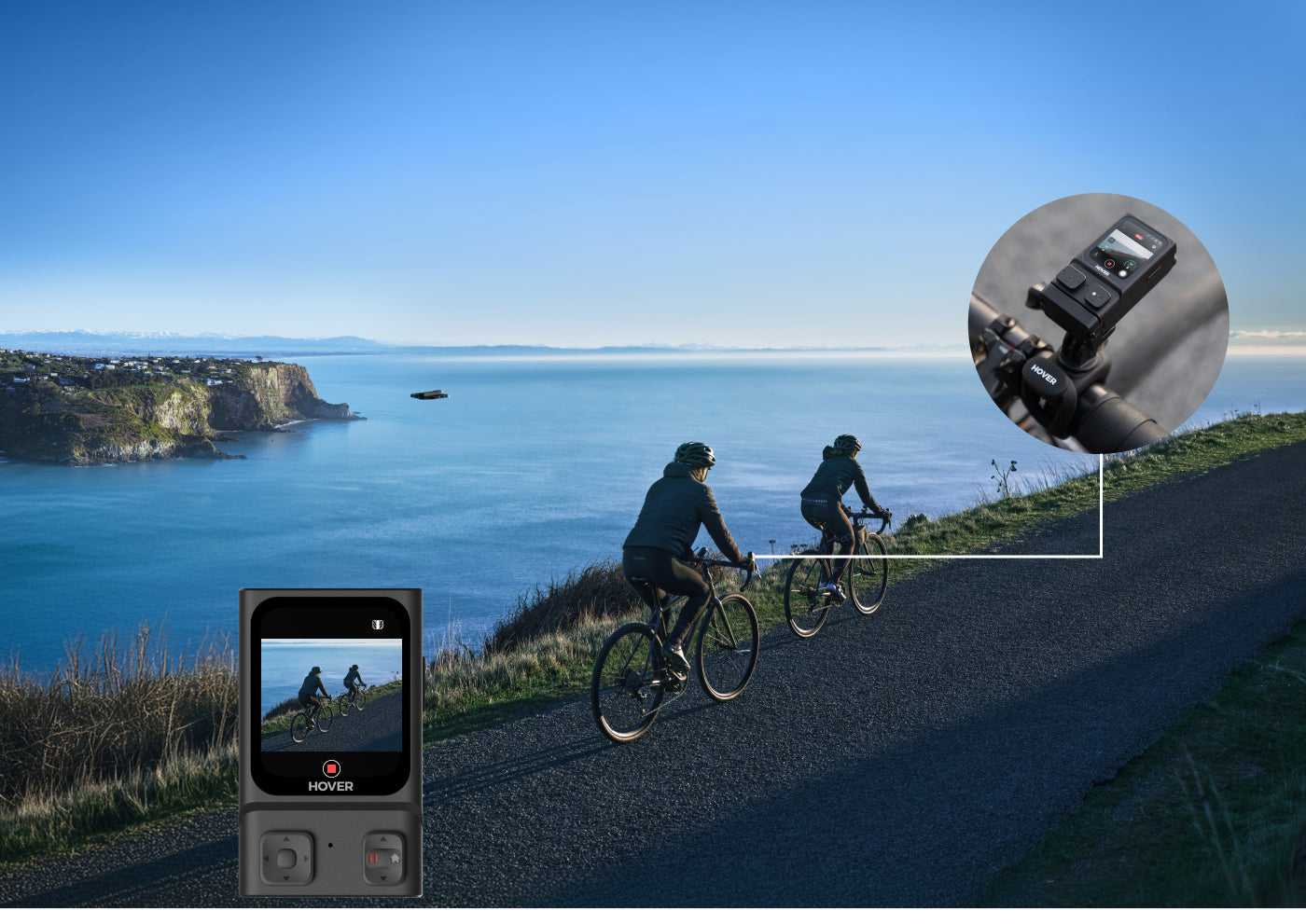
Real-Time Display and Gimbal Adjustment
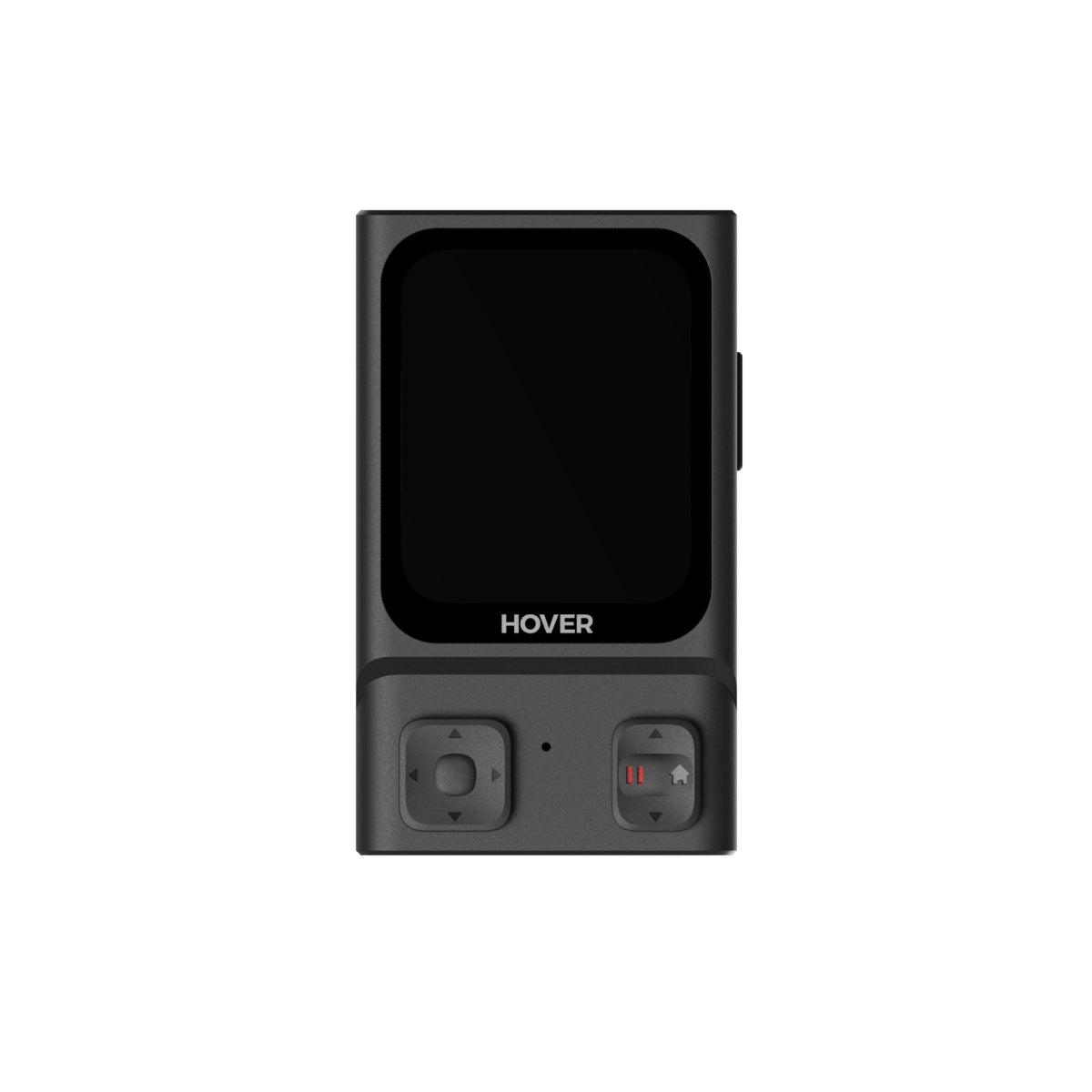
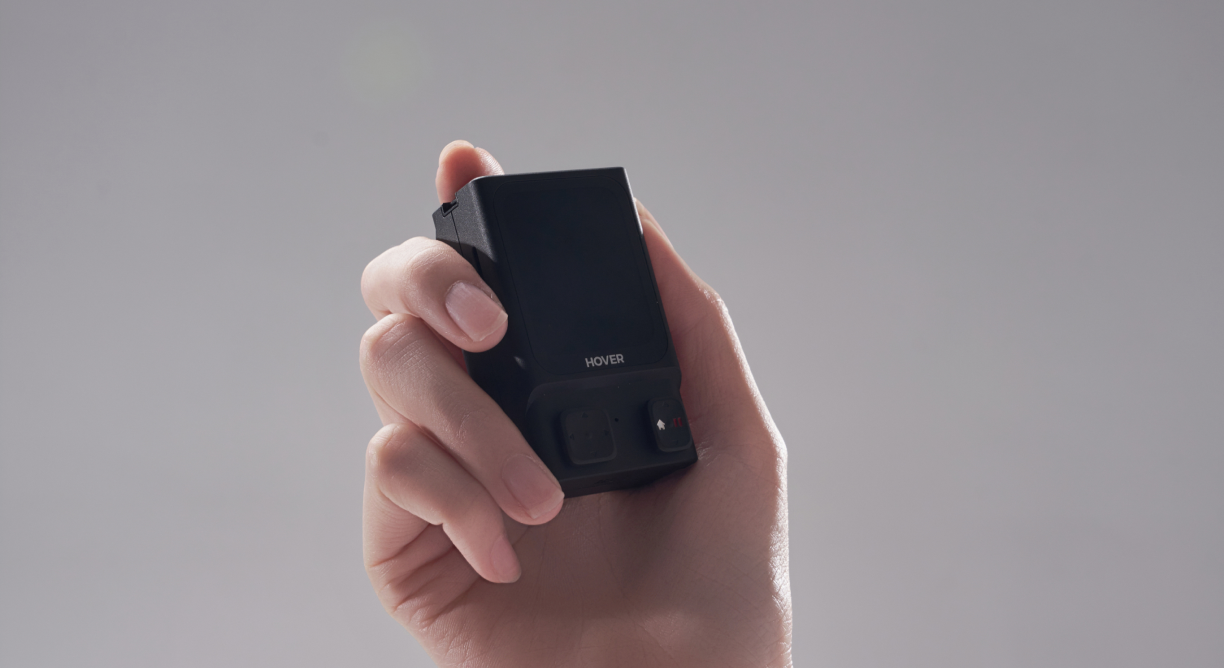
Compact Yet Powerful Beacon
Real-time Monitoring: The 1.78" OLED display lets you monitor footage on the go.
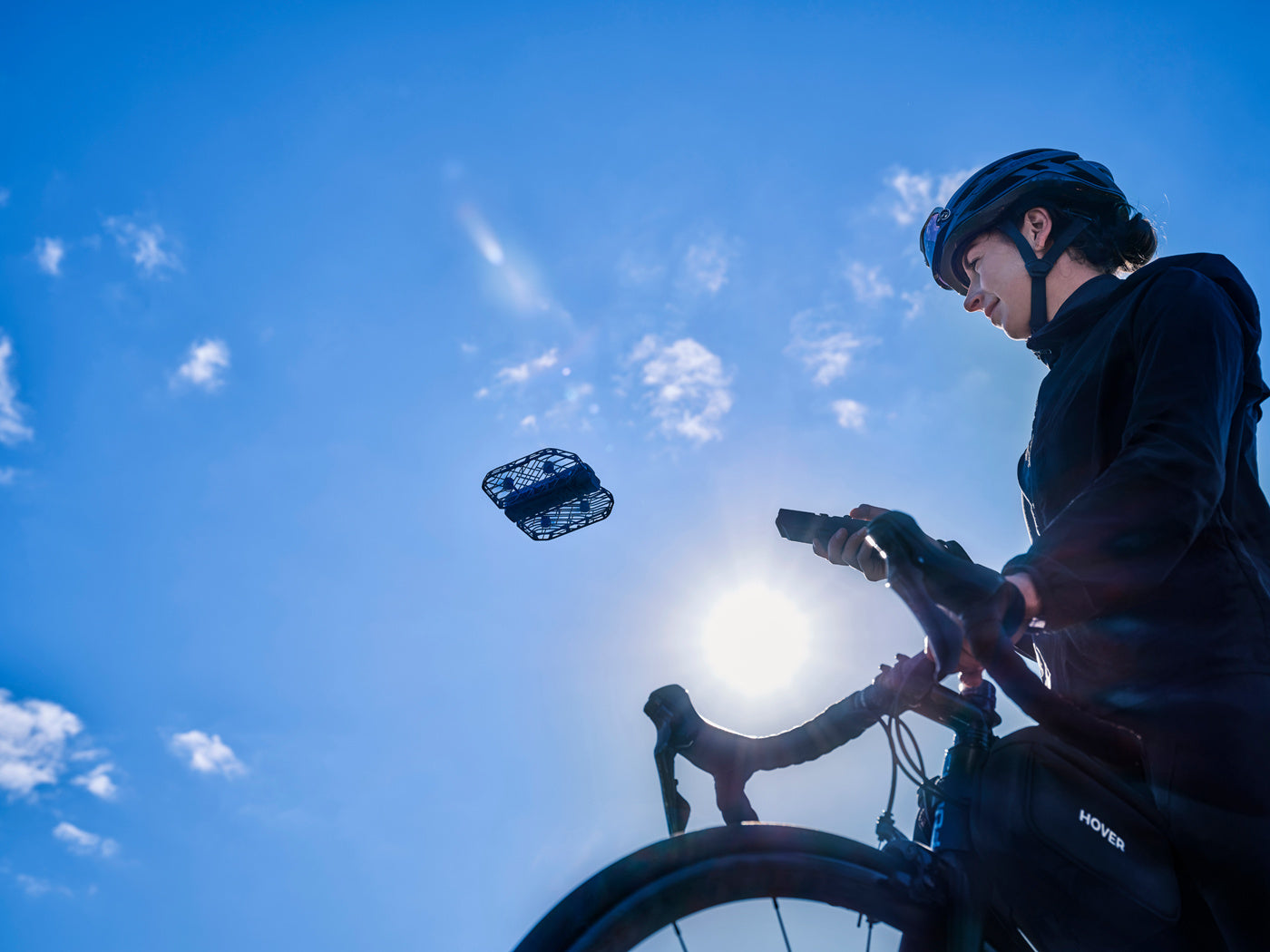
Full Control
Safe Flight
Receive flight status alerts, and allow Hover to respond swiftly to sudden stops or sharp turns.
Return to Home: Instantly return Hover to Beacon with a single tap.
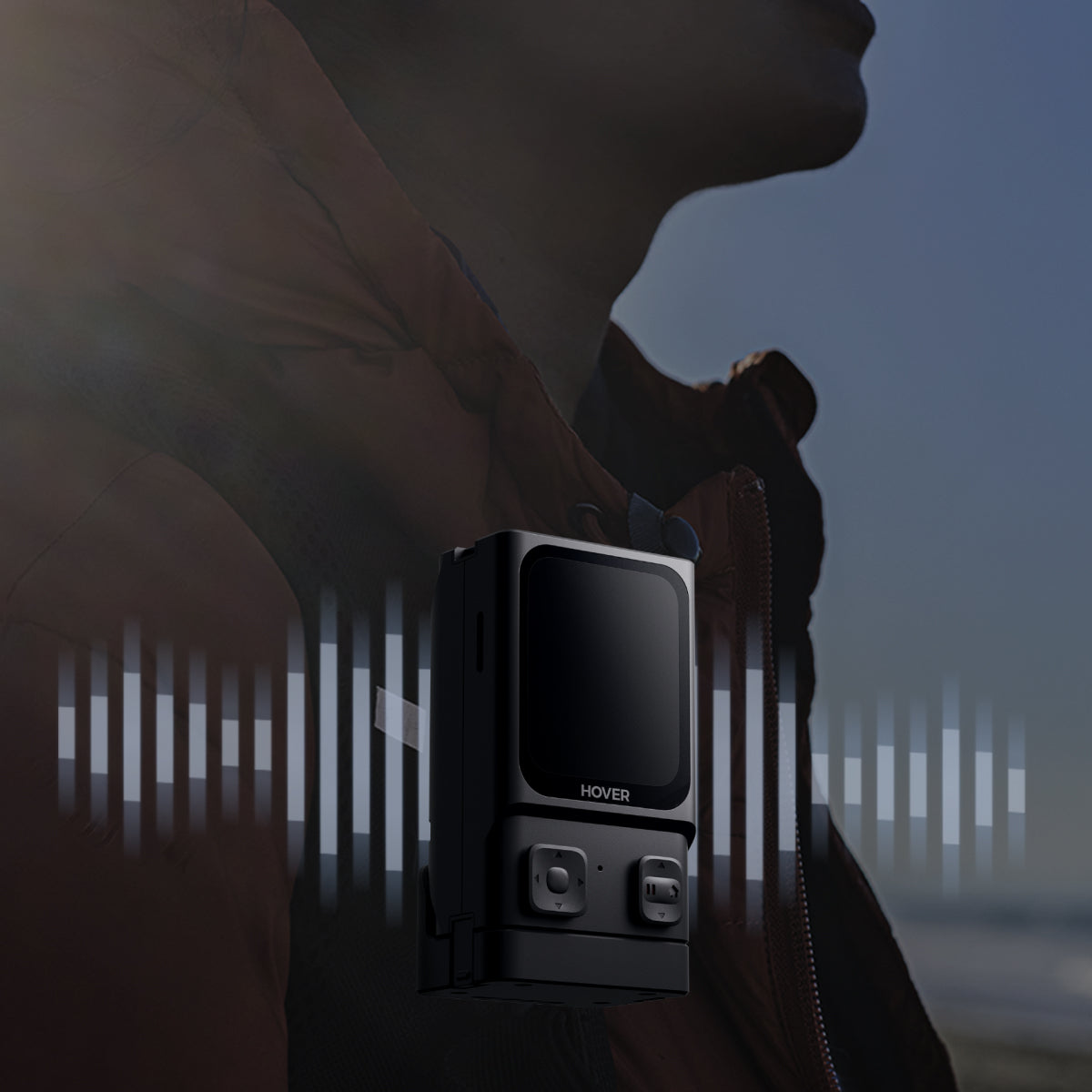
Crystal-Clear Audio
Built-in Microphone
Supports sound recording with crystal-clear audio and advanced noise reduction, with voice command to be available through future OTA updates.
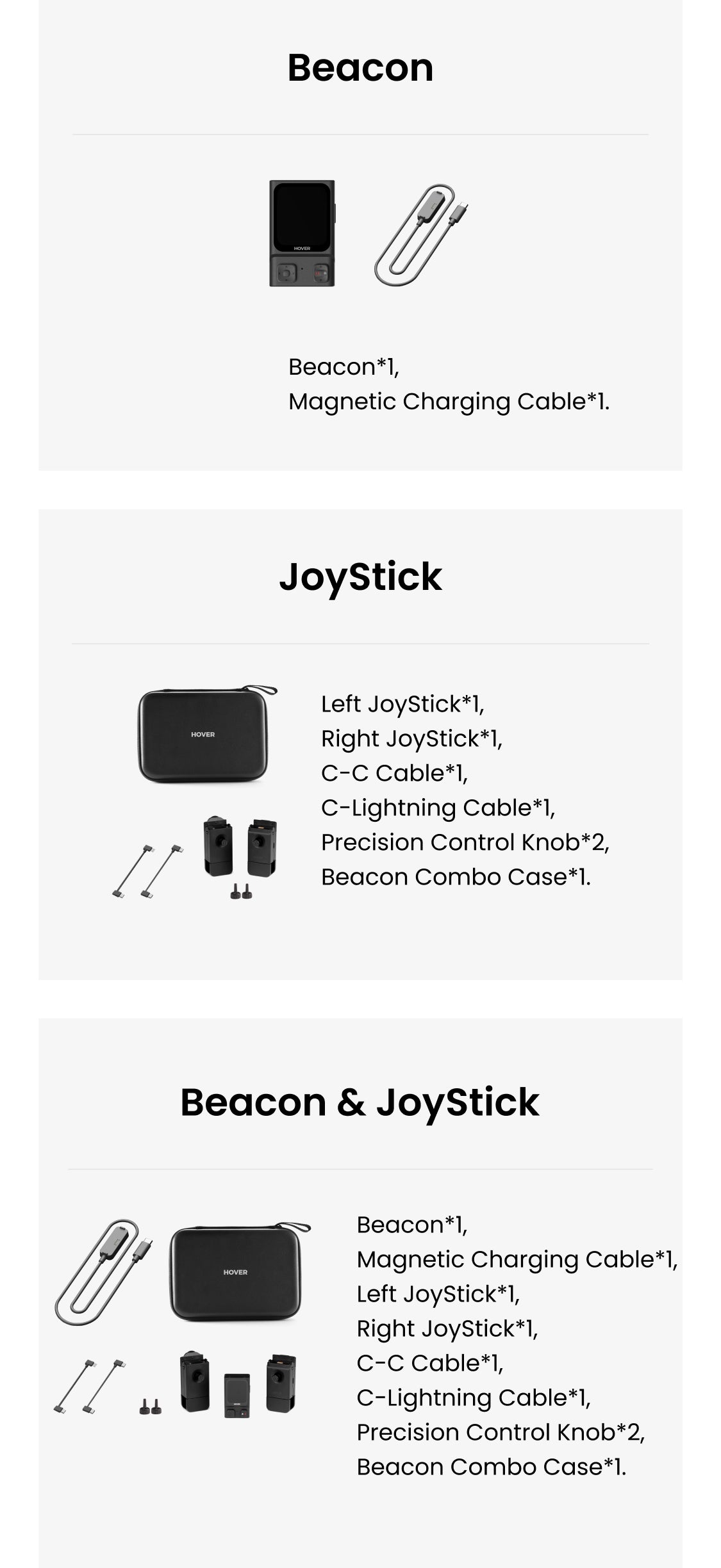
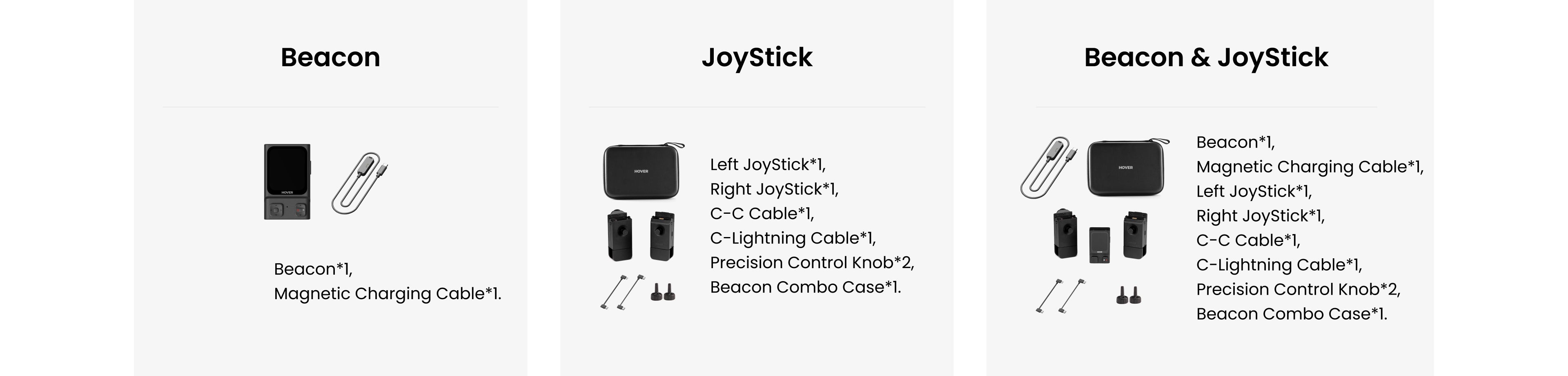
What's in the box
How to Use
FAQ
How do I charge the Beacon?
The beacon can be charged using the cable included in the package. You can also connect it to the joystick and charge both together via the USB Type-C port on the joystick.
How long does it take to charge?
The Beacon has an input power of 5W and takes about 60-90 minutes to fully charge. The JoyStick takes around 75 minutes to charge. When charging the Beacon & JoyStick together as a bundle, it takes approximately 2.5 to 3 hours. For faster charging, it's recommended to charge them separately.
How long does it last?
A fully charged Beacon (when connected to the device without JoySticks) lasts about 120 minutes.When using the Beacon with JoyStick A or multiple JoySticks, battery life extends to about 150 minutes. However, if used with a smartphone display, the battery life may be reduced to around 60 minutes.
What kind of signals are used between the Beacon and the flying camera?
The signal between the Beacon and the flying camera uses regular-band and narrow-band Wi-Fi, allowing for a 1km live transmission distance.
When using the Beacon +JoyStick remote control, the maximum flight range is 1 km. But how can I know how far they've flown? Is there a distance display?
Currently, there is no distance display, but we plan to add this feature in the future. If the drone exceeds the range, the video feed will start to lag.
Why does the update process get stuck at 100% during installation, causing the OTA update to fail?
For detailed solutions, please click the link and refer to the specific guidance on resolving the issue when stuck at 100%.
Aside from being compatible with HOVERAir X1 PRO and PROMAX, which features of the Beacon will be compatible with HOVERAir X1?
Video transmission, one-handed/two-handed control, and audio recording will be compatible with HOVERAir X1 (these features will be available in future updates). HoverLink will not be compatible with HOVERAir X1.
Are the recorded audio and video files automatically merged, or do they require manual processing?
Yes, they are automatically merged. No manual processing is needed—simply download the file with one click via the app.
Where does the flying camera return to when using the Return to Home function?
- In Follow Mode: The device will return to a location near the Beacon with a positioning accuracy range of 2 to 10 meters. Users will need to manually land it or allow the Beacon to take control.
- In non-follow automatic modes: By default, HOVERAir will automatically return to the takeoff point.
What features of Beacon are currently compatible with the HOVERAir X1?
The following features are currently supported on the HOVERAir X1:
- Video transmission
- Instant status updates
- In-flight parameter adjustments
- One-handed and two-handed control
- Audio recording (coming in the next firmware update)
Please note: The HoverLink feature and Return to Home function are not supported on the HOVERAir X1.
When using two-handed control mode, live preview is not available on your phone screen.
The maximum flight altitude and distance are significantly lower than those of the HOVERAir X1 PROMAX.
To learn more about what’s compatible with the HOVERAir X1, visit our blog.
Quality joystick that is really easy to assemble and operate.
I will be using this with my original Hover Air X1 on my adventures.
I want to be positive but cannot get away from the fact I can barely see anything on the Beacon's tiny screen. The top row of Icons are so small they are unreadable and useless. The UI icons need to be completely redesigned for simple clarity and easy viewing on a tiny screen. I like the combination of Beacon + one joystick to create a single hand controller, great for basic manual flight. I would like the Beacon to have the option to auto start video recording when you take off using manual flight. In my opinion the Beacon is of little use by itself and is best combined with joystick(s) for better manual flight.
I have a number of drones in my arsenal. They cover all work requirements. Well they did i purchased Pro Max as a Holiday Snap drone with a difference im exceptionally surprised initially I just purchased x1 pro max then Beacon that opened my eyes further then Joy Sticks Wow a fully usable Automatic Flyer now a Competent Manual Flying Camera Drone perfect for line of sight video and photographic shots is small enough not to injure spectators a potential problem with my other equipment and in my opinion I would have to spend thousands from competition to get same effects I now find myself with Drones parked up and potentially up for sale the hi Pro max has it all and does it all. Some will struggle it's a masterpiece to set up and not for feint hearted but once up and running it's perfection it gets 5* from me.
Beacon & JoyStick
Its the best drone I have, the app work fine, costumer service very good, and they respond in few hours and they try solve the problem very fast and efficient,